Packet filter
Navigation: Diagnostics > Audit > Packet filter
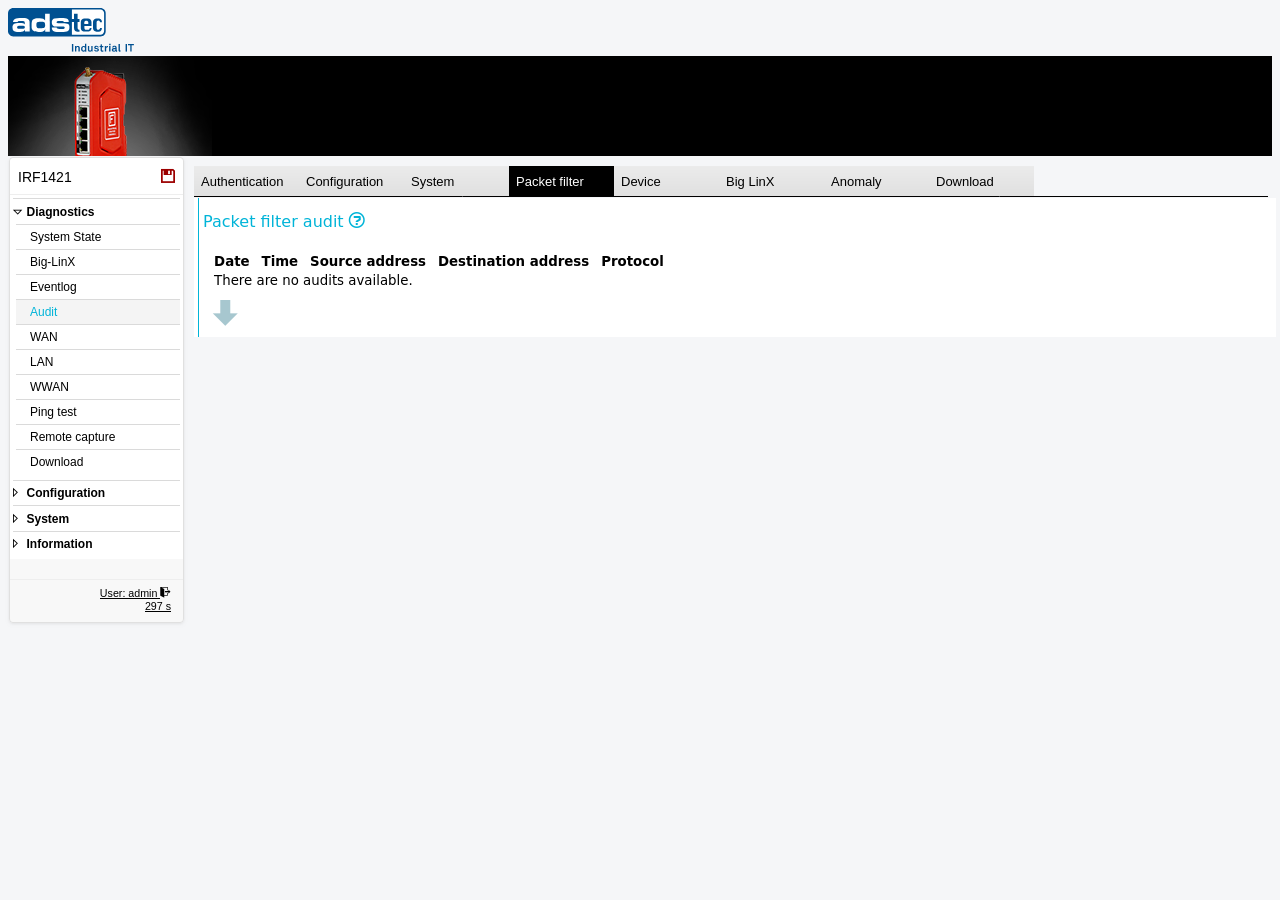
The Packet filter tab displays audit log entries generated by the device's packet filter rules. Each packet filter rule can be individually configured to log matching traffic to the audit log on the Packet filter page. Use this tab to review which connections were blocked or accepted by the firewall and to investigate suspicious network activity. For general audit log information and other event categories, see the Audit parent page.
Columns
The Packet filter tab displays log entries in a table with the following columns:
- Date
- The date on which the packet filter event occurred.
- Time
- The time at which the packet filter event occurred.
- Source address
- The IPv4 source address of the network packet that triggered the packet filter rule.
- Destination address
- The IPv4 destination address of the network packet that triggered the packet filter rule.
- Protocol
- The network protocol of the packet that matched the filter rule (e.g., TCP, UDP, ICMP).
Note
Only IPv4 source address, destination address, and protocol are logged. Rule names are not included in the audit log entries. To correlate entries with specific rules, compare the logged addresses and protocol against your configured packet filter rules on the Packet filter page.
Note
To limit log volume, the device creates at most one audit log entry per minute for each packet filter rule. Repeated matches of the same rule within a one-minute interval are not logged individually.
Note
The audit log is a shared 40 MB ring buffer. When the buffer is full, the oldest entries across all tabs are overwritten. For long-term retention, regularly download the audit log using the Download tab and archive it on an external system. Date and time entries may appear inconsistent due to NTP synchronization updates or manual time changes.