System
Navigation: Diagnostics > Audit > System
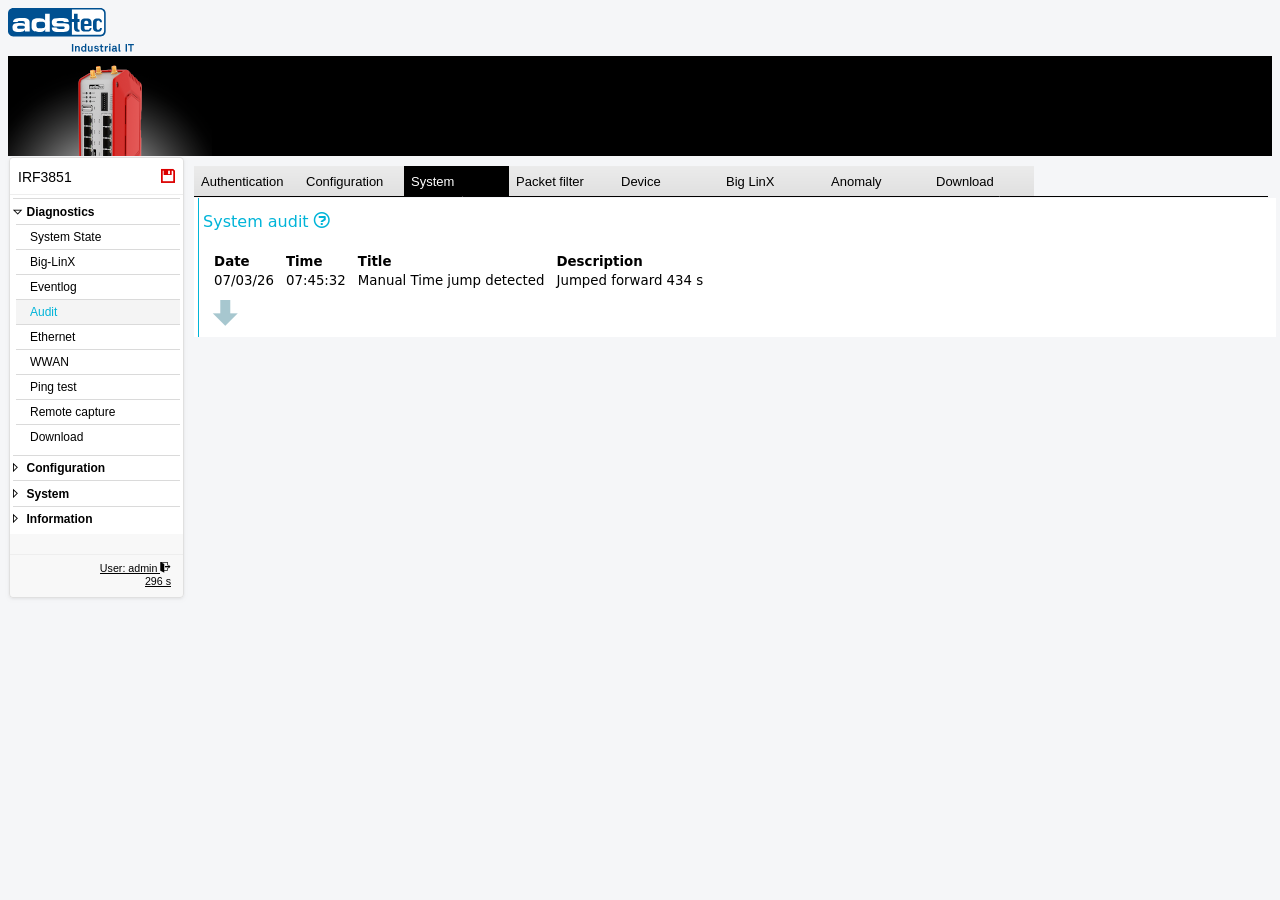
The System tab within the Audit page displays audit entries for system-level events such as NTP time deviations, reboots, firmware updates, save operations, and configuration restores. Use this tab to detect timing irregularities, track system maintenance activities, and identify potential synchronization issues. Refer to the Audit page for general information about the audit log and its shared ring buffer.
Columns
The System tab displays audit entries in a table with the following columns:
- Date
- The date on which the system event occurred.
- Time
- The time at which the system event occurred.
- Title
- A short identifier describing the type of system event, such as an NTP synchronization update, a reboot, or a save operation.
- Description
- A detailed description of the system event, including relevant parameters such as time deviation values for NTP events or firmware version numbers for update events.
Usage
The table lists system-level audit entries in chronological order. When the table is empty, the message "There are no audits available." is displayed. Use the download button below the table to export the currently displayed entries.
System audit entries are particularly useful for verifying that NTP time synchronization is functioning correctly and for detecting unexpected time jumps that could affect the accuracy of other audit log timestamps. Review this tab after configuring or changing NTP servers on the Date & time page to confirm that synchronization is working as expected.
Note
The audit log is a shared 40 MB ring buffer. When the buffer is full, the oldest entries across all tabs are overwritten. For long-term retention, regularly download the audit log using the Download tab and archive it on an external system. Review the Eventlog page for general system event monitoring.