Big-LinX
Navigation: Diagnostics > Big-LinX
The Big-LinX diagnostics page checks the device's connection to the Big-LinX remote-service platform. It serves two purposes: primarily as a pre-check run before enabling Big-LinX — to confirm the service would actually be reachable before you roll it out — and, once the service is enabled, as a live status report of the connection. It is the first place to look when troubleshooting remote-access or cloud-connectivity problems.
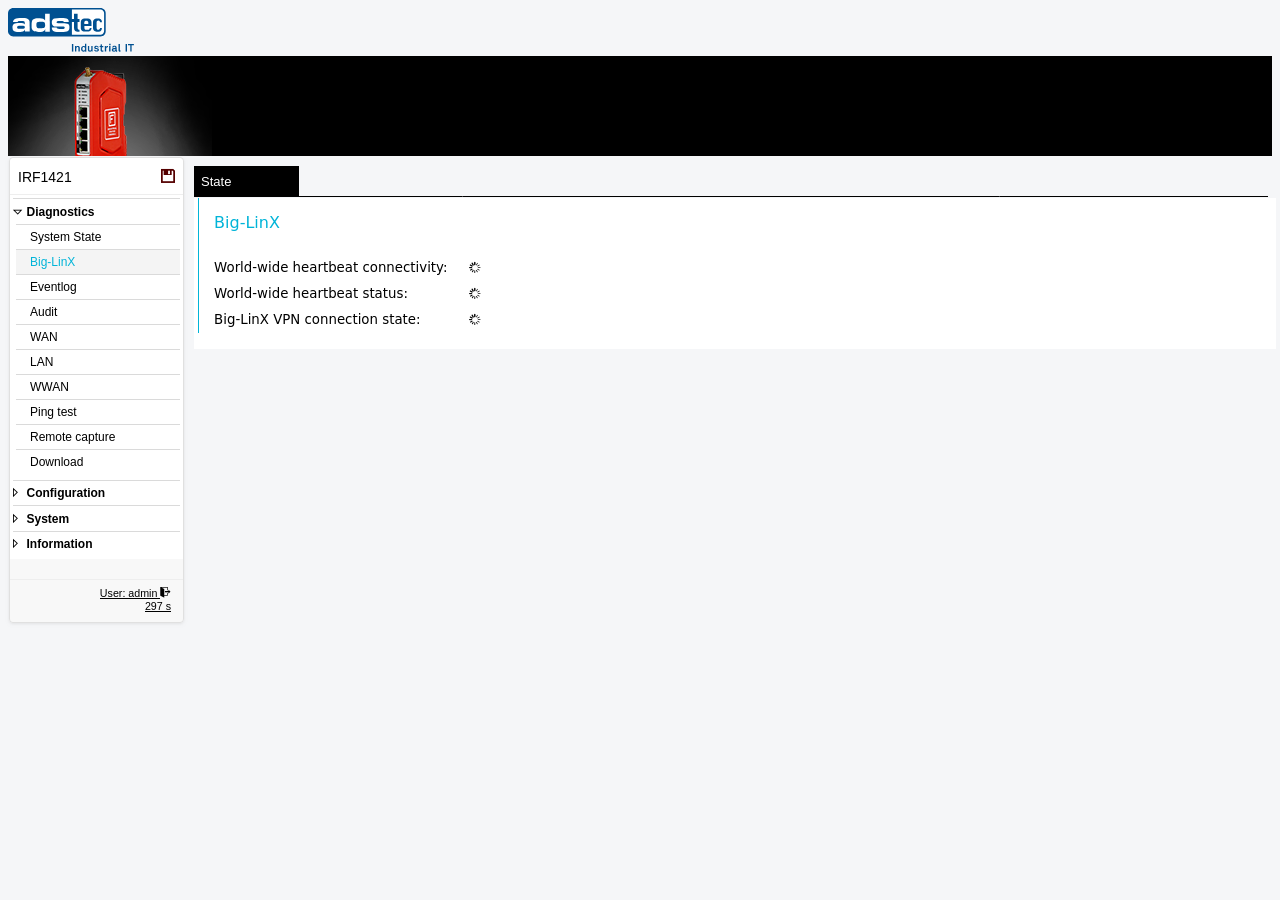
Status indicators
The page shows three indicators, each with a coloured dot for the state at a glance.
- Heartbeat server reachability
- Whether the device can reach the Big-LinX heartbeat servers over the internet. This check works even before Big-LinX is enabled — it is the pre-check you run to confirm the service could be rolled out. A green indicator confirms that at least one server was reached. A red indicator with No server successfully reached means no heartbeat server could be contacted; before enabling the service, verify that the WAN interface has internet access and that no upstream firewall blocks the outbound connection.
- World-wide heartbeat status
- The result of the heartbeat exchange with the Big-LinX platform once the service is running. A green indicator confirms that the device is actively exchanging heartbeat messages; a grey indicator means the heartbeat service is inactive or has not yet established communication.
- Big-LinX VPN connection state
- Whether a Big-LinX VPN tunnel is currently established. A green indicator confirms an active tunnel to the Big-LinX platform; a grey indicator means no tunnel is connected.
Note
The reachability check (first indicator) does not require Big-LinX to be enabled — use it as a roll-out pre-check. The heartbeat status and VPN connection state become active only once Big-LinX is configured on the Big-LinX page (with a valid certificate installed) and the service is enabled.