Ping test
Navigation: Diagnostics > Ping test
The Ping test page provides a built-in network diagnostic tool for verifying IP connectivity from the device to any reachable host. Use this page to test whether a destination address is reachable, to measure round-trip times, and to diagnose routing or firewall issues. The ping is executed from the device itself, making it useful for validating connectivity through the device's own network interfaces and firewall rules — independent of the operator's workstation.
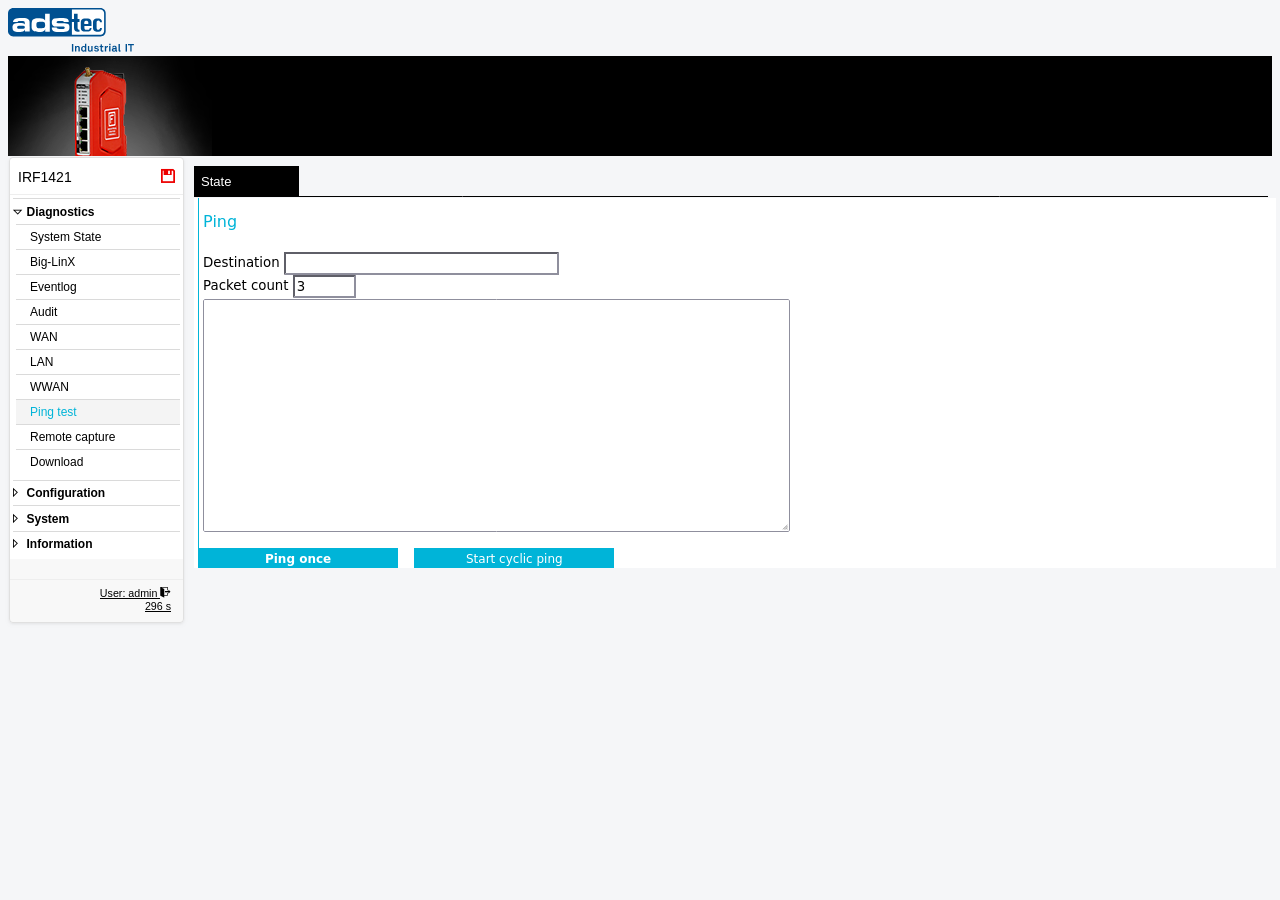
Settings
- Destination
- The IP address or hostname of the target host to ping. Enter a valid IPv4 address (e.g.,
192.168.1.1) or a resolvable hostname (e.g.,www.example.com). If a hostname is entered, the device resolves it using its configured DNS settings. - Packet count
- The number of ICMP echo request packets to send. The default value is 3. Increase this value when diagnosing intermittent connectivity issues or packet loss.
Operation
The page offers two modes of operation:
- Ping once
- Sends the specified number of ICMP echo requests to the destination and displays the results in the output area. The output includes the response from each packet (or a timeout indication), followed by a summary showing the number of packets transmitted, received, lost, and the round-trip time statistics (minimum, average, maximum).
- Start cyclic ping
- Starts a continuous ping that repeatedly sends ICMP echo requests to the destination. The results are displayed in real time in the output area. Use cyclic ping to monitor connectivity over an extended period, for example while adjusting firewall rules or network settings on another page. Click the button again to stop the cyclic ping.
Typical use cases
- Verify WAN connectivity: Ping an external address (e.g.,
8.8.8.8) to confirm that the device has a working upstream connection through its WAN or WWAN interface. - Test LAN reachability: Ping a machine on the LAN side to verify that the LAN interface and local routing are functioning correctly.
- Validate DNS resolution: Ping a hostname to confirm that the configured DNS servers on the DNS page are reachable and resolving names correctly.
- Diagnose firewall rules: If a host is unreachable, compare results from the device ping with results from a workstation behind the device to isolate whether a Packet filter rule or Forwarding rule is blocking traffic.
- Monitor VPN tunnels: Ping a remote host across an OpenVPN or IPsec tunnel to verify that the tunnel is established and routing traffic.
Note
The ping test originates from the device itself, not from the operator's workstation. This means the source IP address, routing path, and applicable firewall rules may differ from those of a ping initiated from a connected PC. Keep this in mind when interpreting results.