WWAN
Navigation: System > Software update > WWAN
The WWAN tab provides the ability to update the firmware of the built-in cellular modem independently from the main device firmware. It displays the current modem identification and firmware revision, and allows uploading a modem firmware file provided by the modem manufacturer. For the main device firmware update, see the Software update page. To monitor the current cellular connection status, see the WWAN diagnostics page.
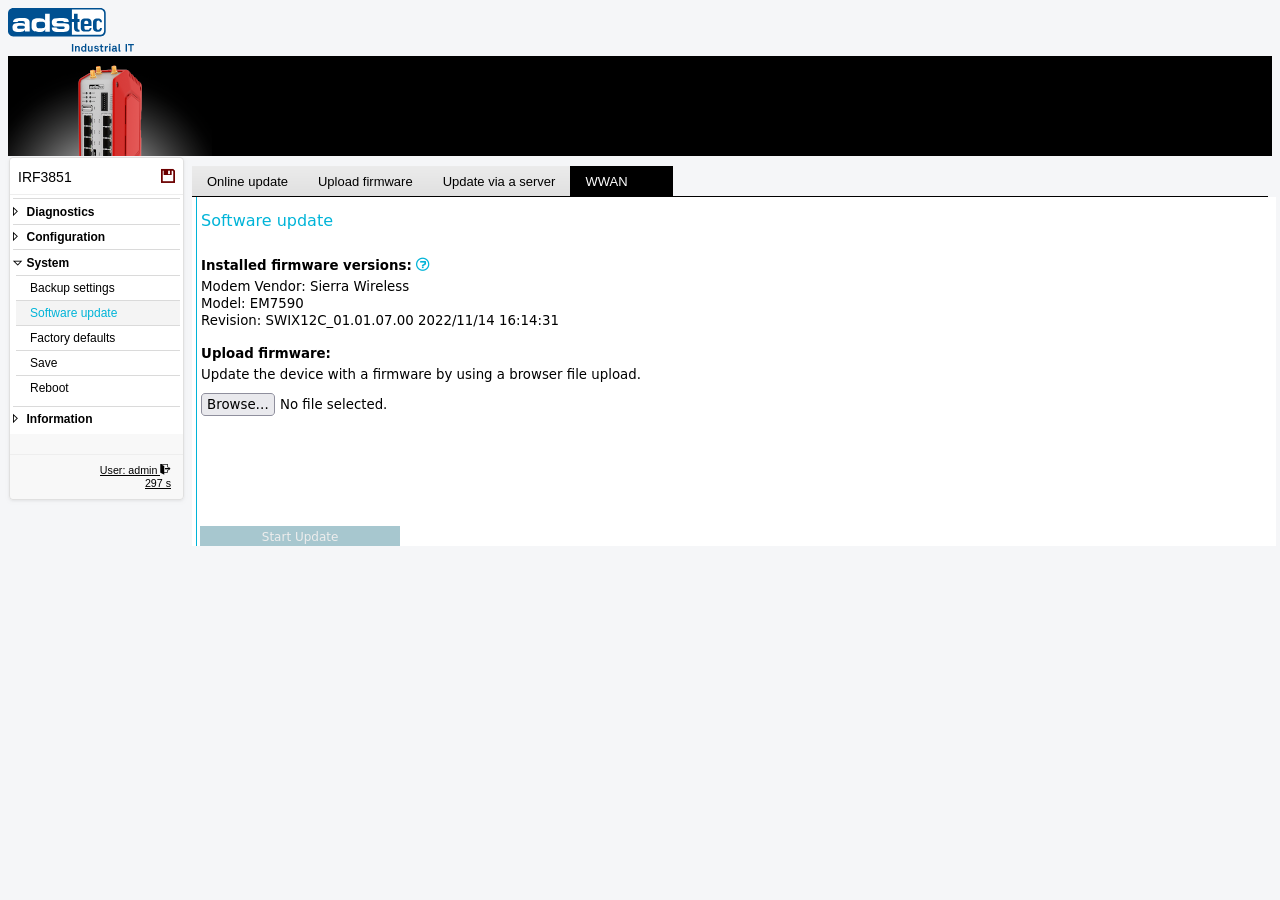
WWAN modem firmware update
The page displays the following read-only identification fields for the installed cellular modem:
- Modem Vendor
- The manufacturer of the cellular modem module (e.g., Sierra Wireless, Incorporated).
- Model
- The modem model designation (e.g., EM7455).
- Revision
- The currently installed modem firmware revision string, including build identifiers and date. Use this value to determine whether a firmware update is necessary by comparing it to the latest version available from the modem manufacturer.
Updating the modem firmware
To update the modem firmware, click Browse... to select the firmware file provided by the modem manufacturer, then click Update to start the update process.
ATTENTION
Do not interrupt the modem firmware update process. Ensure stable power supply during the update. A failed or interrupted modem firmware update may render the cellular modem inoperable. After the modem firmware update completes, a device reboot may be required.