Sitemap
Navigation: Information > Sitemap
The Sitemap page displays the complete navigation structure of the web interface as a hierarchical, clickable tree. It provides a quick overview of all available pages organized by their top-level sections and subsections. Each entry in the tree is a direct link to the corresponding configuration, diagnostics, or information page.
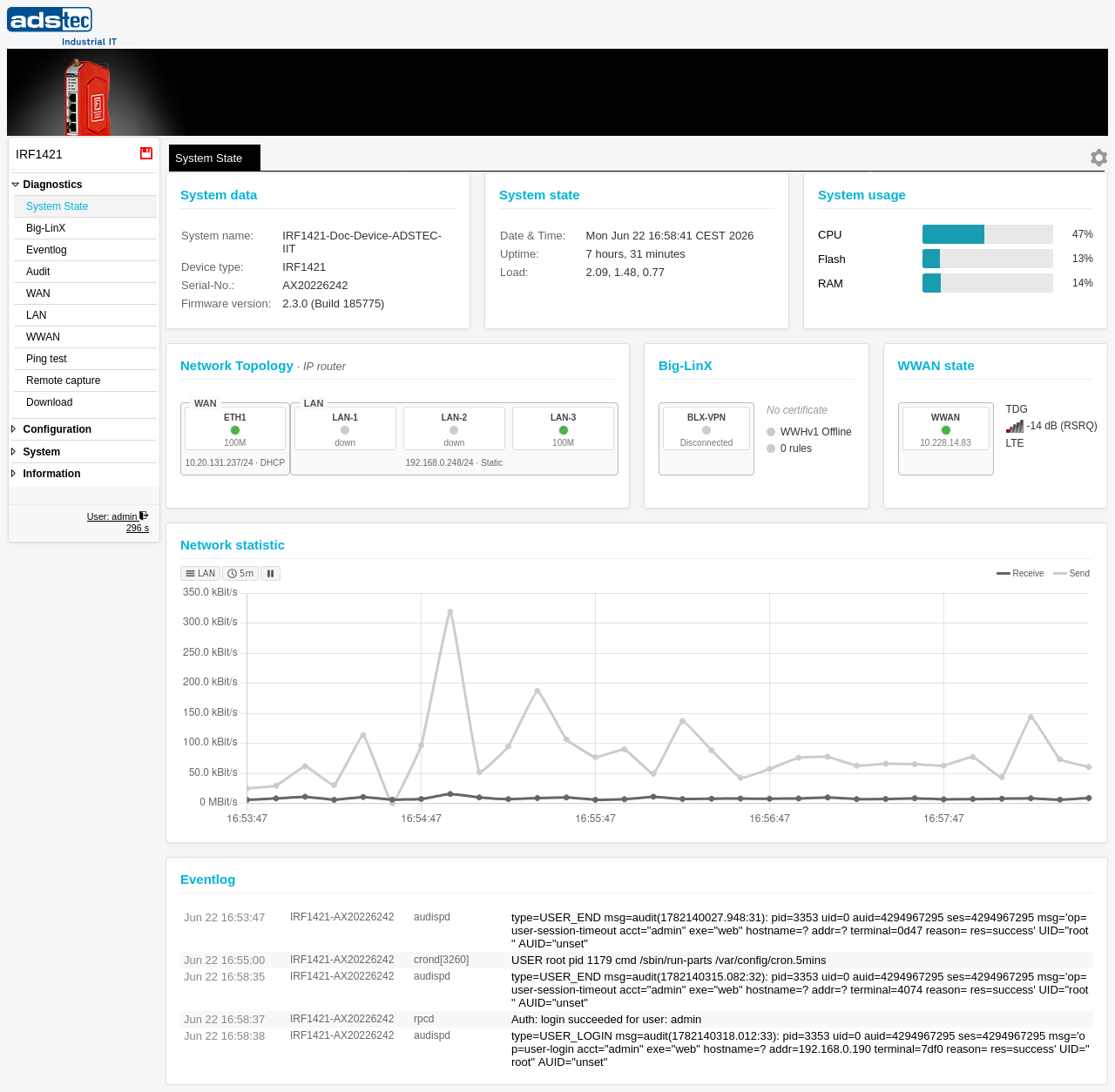
Navigation structure
The sitemap reflects the full menu hierarchy of the web interface. Pages are grouped into the following top-level sections:
- Diagnostics
- Status and monitoring pages including System State, Eventlog, Audit, interface diagnostics for WAN, LAN, and WWAN, as well as the Ping test, Remote capture, and Download utilities.
- Configuration
-
All device configuration pages, organized into subcategories:
- General settings -- System data, Date & time, User interface, Certificates, SCEP
- Access control -- User accounts, Permissions, Web access, Custom menu
- Network -- DNS, IP routing, HTTP Proxy, Forwarding, 1:1 NAT, Network groups, Hardware groups, Ethernet
- VPN -- Big-LinX, OpenVPN, IPsec
- Services -- DHCP server, DNS proxy, Web server, SNMP, Modbus TCP, Scheduler, Docker, Discovery
- IoT -- Data (Metrics, IoT difference filter), Sources (Modbus/RTU sources, Modbus/RTU metrics, Modbus/TCP sources, Modbus/TCP metrics, OPC UA metrics, OPC UA sources), Destinations (Big-LinX IoT push, MQTT destination)
- System
- Maintenance pages for Backup settings, Software update, Factory defaults, Save, and Reboot.
- Information
- Read-only information pages including General, Sitemap (this page), and License Information.
Note
The pages visible in the sitemap depend on the permissions assigned to the currently logged-in user account. Users with restricted permissions may see a reduced set of pages. Refer to the Permissions page for details on configuring role-based access.
Related pages
- General -- device identity and hardware information
- System State -- consolidated overview of the current device status
- License Information -- open-source license details