Anomaly
Navigation: Diagnostics > Audit > Anomaly
The Anomaly tab displays alerts from the integrated network monitoring system of the device. It reports potential security threats such as ARP spoofing attacks or duplicate IP addresses that conflict with the device's own IP address. Use this tab in conjunction with the other Audit tabs to investigate suspicious network activity and support security incident analysis.
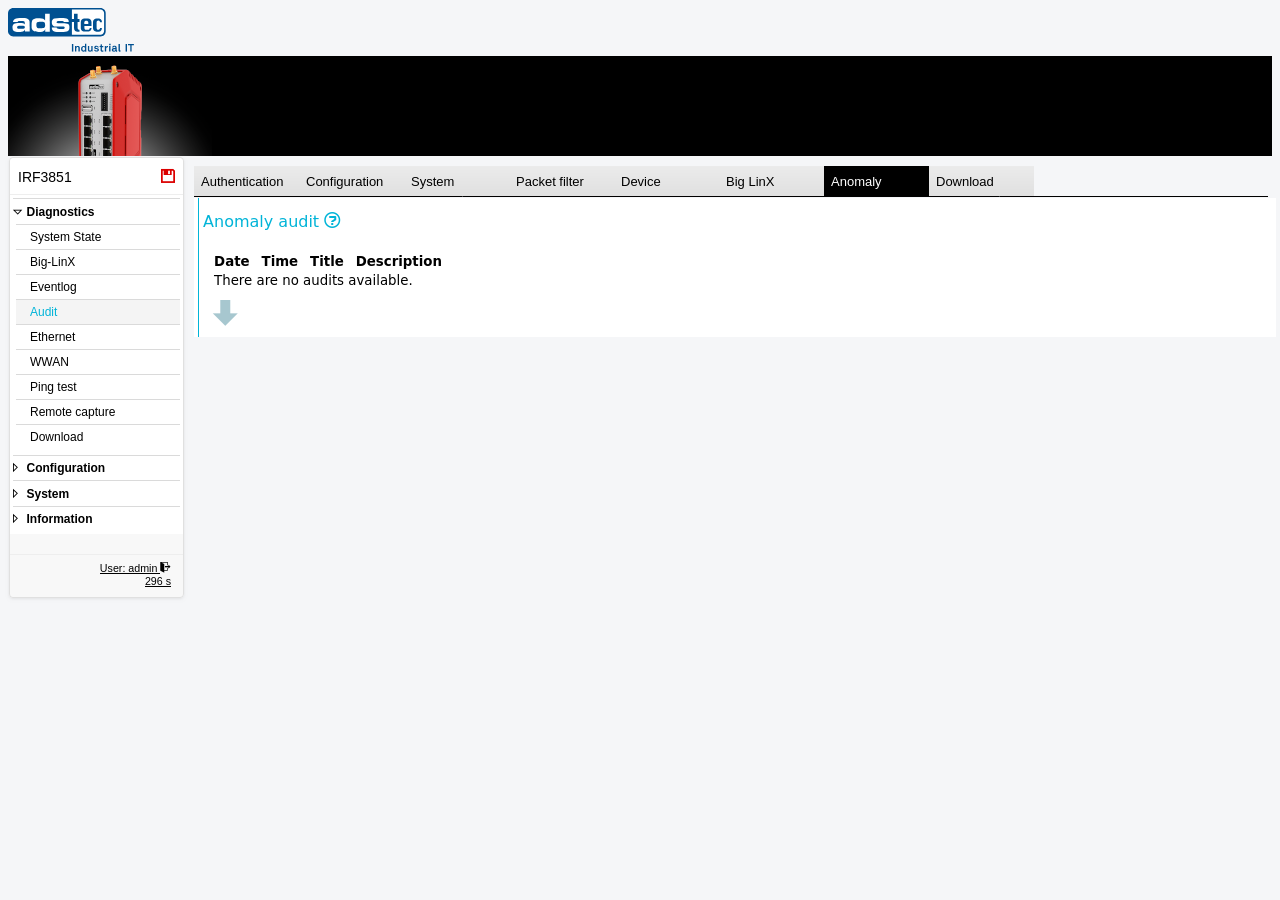
Anomaly audit columns
The Anomaly tab displays a table of detected anomaly events with the following columns:
- Date
- The date on which the anomaly event was detected.
- Time
- The time at which the anomaly event was detected.
- Title
- A short identifier describing the type of anomaly, such as an ARP spoofing attempt or an IP address conflict.
- Description
- A detailed description of the detected anomaly, including relevant network parameters such as IP addresses or MAC addresses involved in the event.
If no anomaly events have been recorded, the table displays the message "There are no audits available."
Click the down arrow at the bottom of the table to load additional entries.
Note
The audit log is a shared 40 MB ring buffer. When the buffer is full, the oldest entries across all tabs are overwritten. For long-term retention, regularly download the audit log using the Download tab and archive it on an external system. Date and time entries may appear inconsistent due to NTP synchronization updates or manual time changes.